In short
A good HoReCa website shows the menu or rooms right away, hours, address and phone one tap away, simple booking, real photos and a tight link with your Google Business Profile. Everything else is decoration.
What guests look for, in this order
| Guest's question | What they should find on the site |
|---|---|
| What's the food like / what do the rooms look like? | Menu or rooms with real photos and prices |
| Is it open now? Where is it? | Hours, address, map, parking |
| How do I book? | A booking or call button, visible on mobile |
| Is it worth it? | Reviews, photos of the atmosphere, a few lines about your story |
| Can I come with kids / a group / my dog? | Practical info and FAQs |
The menu: text, not PDF
The most common mistake is a menu uploaded as a PDF or an image. On a phone it's hard to read, loads slowly and Google can't understand it. A menu written directly on the page loads instantly, can be updated in minutes and can show up in searches for your dishes.
For food served or delivered, Regulation (EU) 1169/2011 requires informing customers about allergens. The simplest way is to mark them in the menu on your site, next to each dish.
Bookings
- Restaurant or café: a call button and, if you already use a booking platform, its link. Google also allows bookings straight from your profile, through partner providers.
- Hotel or guesthouse: clear availability and prices, with direct booking on your site, so you don't pay commission for every guest who found you anyway.
- On mobile, the booking or call button should always be visible, not hidden at the bottom.
Google Maps matters as much as the website
For searches like "restaurant near me" or "guesthouse Sinaia", Google shows the map first. Your Google Business Profile needs the same information as your site: correct hours, menu, photos, a booking link and reviews you reply to. The site and profile support each other, so the details must match. I wrote a separate guide on how to add your business to Google Maps.
Real photos and speed on mobile
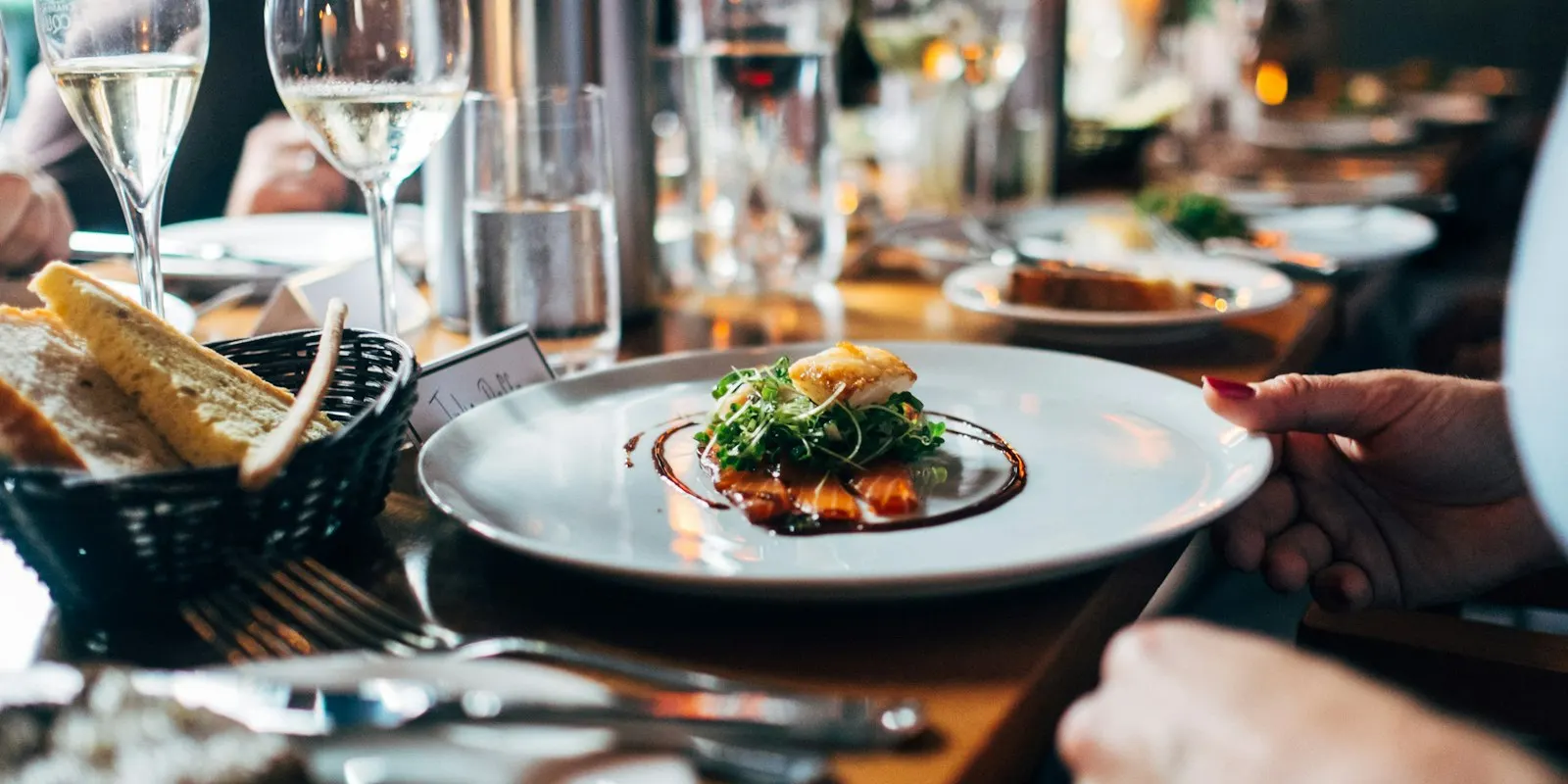
Photos sell, but large, unoptimised photos slow the site down. Use real photos (dishes, the dining room, rooms, terrace), saved in a modern format and at the right size. A site that loads in under two seconds on a phone loses far fewer visitors.
Quick checklist
- Menu or rooms as text, with prices and photos.
- Hours, address, map and phone visible on the first screen.
- A booking or call button fixed on the phone screen.
- Allergens marked in the menu.
- A Google Business Profile with the same details, photos and a link to the site.
- A few reviews and a short "About us" page with real people.
- A fast, secure (HTTPS) site that you can update yourself.
How I work
For HoReCa I build presentation websites with an editable menu, booking or call visible on mobile and a Google Business Profile set up together with the site. Details on the presentation website page.
Run a restaurant, café or guesthouse?
Tell me a few things about your place and I'll send you a fixed-price proposal.
Frequently asked questions
Do I need a website if I already have Instagram and Google Maps?
Yes. Instagram and Google Maps bring people in, but your website is where you control the menu, prices and bookings, without commissions and without depending on a platform's algorithm.
Can I upload the menu as a PDF?
You can, but it's not recommended: it's hard to read on a phone and Google can't understand it. A menu written directly on the page is faster and easier to update.
How much does a restaurant website cost?
A turnkey presentation website starts at €500. Extra features such as online bookings or several languages are added to the quote.
Can I change the menu and prices myself?
Yes. At handover I show you how to make simple changes, and with the maintenance plan I can make them for you.
David Sima works as a Key Account Executive at Vevol Media with large e-commerce brands and often speaks about e-commerce at conferences and meetups. On simadavid.com he builds presentation websites and online stores for small and medium businesses, HoReCa and service companies. More about me